






Close forty tabs before a deadline and you’ve probably promised yourself you’d never do that again. A session manager is the tool that makes that promise easy to keep: it saves an entire window of tabs as a named group, so you can shut everything down and reopen it later exactly as you left it. That’s different from a tab manager, which just helps you deal with the tabs you already have open — grouping, searching, or putting them to sleep. This guide covers what a session manager actually does, how it differs from Chrome’s built-in tab restore, and how the popular extensions (OneTab, Session Buddy, Tab Session Manager, Workona) stack up against each other. It also untangles a couple of unrelated but frequently searched terms, AWS Session Manager and CyberArk Privileged Session Manager, so you land on the right tool the first time. By the end, you’ll know which session manager extension fits your browser and your workflow.
What Is a Session Manager?
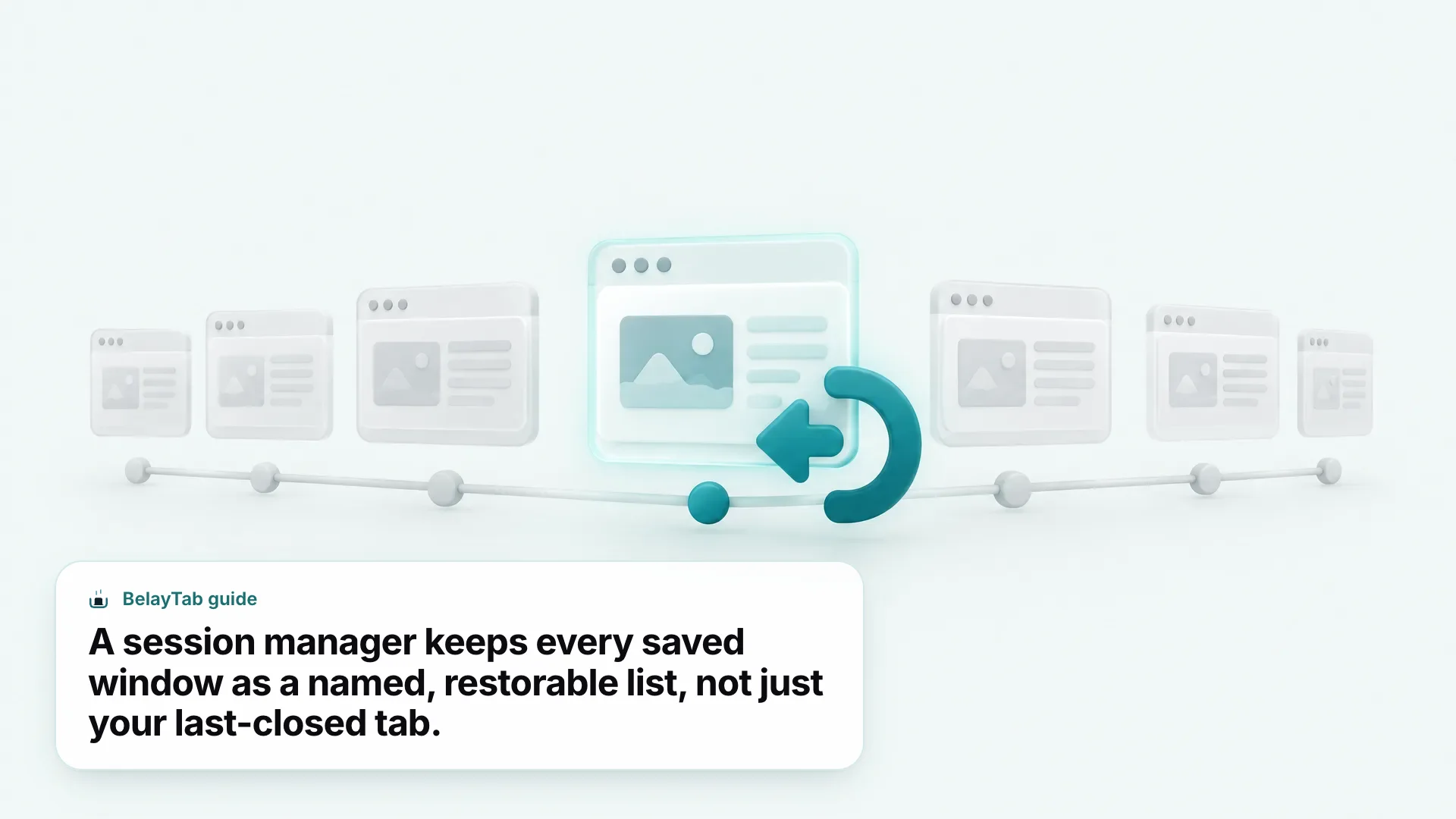
A session manager is a browser extension (or, in a few browsers, a built-in feature) that saves an entire window of open tabs as a named group, so you can close it and bring every tab back later exactly as you left it. Think of it as a photograph of a window at a moment in time, not just a list of links.
That’s the part bookmarks miss. A bookmark saves one page. A session saves the whole window: which tabs were open, what order they were in, which ones were pinned, and often which tab groups they belonged to, with names and colours intact. Close the window, and none of that structure survives in a bookmarks bar.
Most people reach for a session manager after losing something the hard way — a browser update wiped forty research tabs, or a restart ate the window with three flight bookings open in it. A good one removes the need to remember to save anything: it captures your tabs on a schedule, so the backup already exists by the time you need it.
Not every browser treats this the same way. Vivaldi has a built-in Sessions panel, and Chrome’s “Continue where you left off” setting reopens your last window on launch, but neither keeps a running history of multiple named sessions the way a dedicated extension does. For that, you’re looking at a purpose-built tool — see how BelayTab handles saving tabs, or read a broader breakdown of what a tab manager does if you’re still not sure which category you need.
Session Manager vs. Tab Manager: What’s the Difference?
A tab manager helps you deal with the tabs you have open right now (grouping them, searching them, or putting the idle ones to sleep) while a session manager saves whole sets of tabs so you can close them and reopen them later. They solve different moments in the same problem.
Picture a workday with sixty tabs spread across four windows. A tab manager is what you reach for mid-afternoon: search for the tab with the spreadsheet, collapse a group of research pages, suspend the ones you’re not using so the browser doesn’t grind to a halt. A session manager is what you reach for at the end of the day, or before you close the laptop — saving the whole mess as a named set so tomorrow-you doesn’t have to rebuild it.
Some tools genuinely do both. BelayTab is built around sessions first (save, name, version, restore) but it also respects the tab structure you already built, keeping tab groups, pinned tabs, and order intact when it saves and restores. Others, like a plain tab suspender, only manage the tabs currently open and don’t save anything you could restore after a crash.
If your problem is “I have too many tabs open and my browser is slow,” you want a tab manager; a related read is too many tabs and how to fix tab overload without losing anything. If your problem is “I lost a window of tabs I needed,” you want a session manager, which is the rest of this guide. The two categories overlap enough in marketing copy that it’s worth checking what an extension does (read its own description, not just its name) before you install it.
Quick Answer: Which Session Manager Should You Use?
For most people, a free extension that snapshots tabs automatically (like BelayTab) is the safest default; the table below breaks it down by situation.
| Situation | Best pick | Why |
|---|---|---|
| You want zero setup and automatic backups, free | BelayTab | Snapshots every open window every 5 minutes and on close, unlimited sessions, no account needed |
| You just need a one-click tab dump to clean up a messy window | OneTab | Turns a window into a list in one click; the simplest option |
| You’re on Chrome only and want an automatic history of saved collections | Session Buddy | Records a History of your saved collections since version 4 |
| You’re on Firefox and want an open-source option | Tab Session Manager | Free, MPL-licensed, works on Firefox, Chrome, and Edge |
| You manage tabs, docs, and notes together as full projects | Workona | Organizes tabs alongside documents and tasks in project “spaces” |
| You closed one tab a minute ago | Chrome’s built-in shortcut | Ctrl+Shift+T brings it straight back, no extension needed |
These picks assume you want something free and simple to start with. Which one is “best” also depends on how much you trust yourself to click save. If you’re the kind of person who saves religiously, a manual tool like OneTab works fine. If you’re the kind of person who only remembers a session manager exists after losing tabs, automatic snapshots matter more than any single feature on this list. That’s the gap BelayTab was built to close. The comparison pages for OneTab, Session Buddy, Tab Session Manager, and Workona go deeper on pricing tiers and storage than this table can.
What Does Chrome’s Built-In Session Restore Actually Do?
Chrome has two built-in ways to get tabs back — a keyboard shortcut for the last thing you closed, and a startup setting for the whole browser — and neither is a session manager in the way this guide uses the term.
Press Ctrl + Shift + T (Cmd + Shift + T on Mac) and Chrome reopens the last tab or window you closed; repeat it to keep walking back through what you shut. It’s the fastest fix for a tab closed by accident thirty seconds ago, and it needs no extension at all, according to Chrome’s own reopen-closed-tab instructions.
For the whole browser, Settings > On startup > “Continue where you left off” reopens every page that was open the last time you quit Chrome, including cookies and session state. Turn it on once and you never have to think about it again — until you want two different saved states, not just the last one.
The Recently Closed List Is Not a Backup. Ctrl+Shift+T draws from the browser’s own short recently-closed history, not a saved file. Switch profiles, clear browsing data, or wait too long, and there’s nothing left to bring back.
That’s where both native options stop. Neither keeps a named history of past sessions, neither works across browsers, and neither is built to hand a saved window to someone on a different machine. If you want to compare several saved research sessions from different weeks, you need an actual session manager on top — see how BelayTab restores tabs for what that adds. None of this is a knock on Chrome; it’s simply solving a narrower problem: getting back what you just had, not building an archive of what you’ve had over time.
How Do the Best Tab Session Manager Extensions Compare?
The four most-searched tab session manager extensions (OneTab, Session Buddy, Tab Session Manager, and Workona) differ mainly in three things: which browsers they support, whether they save automatically, and what happens if you want to sync between devices.
| Tool | Browsers | Auto-save | Price |
|---|---|---|---|
| OneTab | Chrome, Edge, Firefox; a limited Safari version via the Mac App Store | Manual, one click per window | Free; paid Backup & Sync add-on |
| Session Buddy | Chrome only | Manual save; automatic History of collections since v4 | Free; cloud collections planned as opt-in premium |
| Tab Session Manager | Firefox, Chrome, Edge | Every 15 minutes by default, plus on window close and browser exit | Free; optional beta sync via Google Drive |
| Workona | Chrome, Edge, Firefox | Continuous, cloud-based spaces | Free up to 5 spaces; Pro from $7/month |
| BelayTab (launching soon) | Chrome, Edge, Brave, Opera, Vivaldi, Arc, Firefox, Safari (Mac) | Every 5 minutes and on window close | Free; Sync $4/month or $36/year |
OneTab is the simplest of the group: click the icon and every tab in the window collapses into a list, restorable individually or all at once. It’s free on Chrome, Edge, and Firefox, though its Mac App Store version for Safari lags behind and skips folders, search, and sync entirely.
Session Buddy sits a level up: since version 4 it keeps an automatic History of your saved collections, not just a one-off list, according to its own release notes. It’s Chrome-only for now, with Edge and Firefox versions listed as planned rather than shipped.
Tab Session Manager is the open-source pick, free and licensed under MPL 2.0, saving automatically every 15 minutes by default plus on window close, and keeping the latest 10 sessions of each type. It covers Firefox, Chrome, and Edge but not Safari.
Workona is the outlier: it’s less a session manager and more a project workspace, bundling tabs with documents, notes, and tasks into “spaces” stored in Workona’s own cloud rather than locally. That’s genuinely useful for team projects, and it’s also the only tool here with a hard free-tier cap (five spaces, per Workona’s pricing page) before you’re into a paid plan starting around $7 a month.
What Is a Session Manager Plugin, and Do You Need One?
A session manager plugin is just another name for the same browser extension category — the word “plugin” shows up in searches more than in actual product names, since browsers retired true plugins years ago.
In practice, everyone searching for a “session manager plugin” means an extension: something installed from the Chrome Web Store, Firefox Add-ons, or the Edge Add-ons store that adds a button to the toolbar. Browsers phased out old-style plugins years ago, but the search habit stuck around.
Whether you need one comes down to how often you lose tabs, and how much it costs you when you do. If you close your browser once a day and reopen the same three sites, the native “continue where you left off” setting covers you completely — skip the extension. If you regularly have multiple projects open across separate windows, switch between them, or worry about a crash mid-research, a session manager plugin earns its toolbar space fast.
Worth checking before you install any of them: what permissions it asks for. A session manager only needs to see your open tabs and windows. It has no reason to read the content of the pages themselves. That’s a reasonable line to hold when you’re comparing candidates, whether you end up calling the category a session manager plugin, a session manager extension, or just a tab-saving tool.
Is BelayTab the Best Session Manager Extension for Most People?
For most people, yes — BelayTab is free, works across eight browsers, and backs up your tabs automatically instead of waiting for you to remember to click save.
BelayTab is a free browser extension from Pointerflow LLC that saves your open tabs as named sessions and restores them later. The free plan has no account requirement and no limits: unlimited sessions, unlimited tabs, plus a 30-day trash if you delete something by mistake and change your mind.
The part that separates it from a purely manual tool is automatic snapshotting. BelayTab captures every open window every 5 minutes, and again whenever you close a window, so a backup exists even on days you never open the extension. Each session also keeps the last 20 versions, and restoring never overwrites what’s there. It adds a new version instead, so you can go back to how a window looked three saves ago.
Saving and restoring both take one click. Here’s the basic flow:
- Install BelayTab. It’s available for Chrome, Edge, Brave, Opera, Vivaldi, Arc, Firefox, and Safari on Mac — pin it to your toolbar after installing.
- Save your window as a session. Click the BelayTab icon, or press Ctrl + Shift + S (Cmd + Shift + S on Mac), name it, and choose whether to keep the tabs open or close them.
- Let automatic snapshots back you up in between. Even on days you forget to save, BelayTab is already capturing your windows every 5 minutes and whenever one closes.
- Restore from the Recovery screen when you need it. Reopen into a new window, the current window, or single tabs; sessions with a lot of tabs open in batches of 20 so the browser doesn’t choke.
Everything above is on the free plan. The one thing it doesn’t do without payment is sync between browsers — for that, Sync adds cross-browser syncing, 90 days of cloud version history, and web access at app.belaytab.com for $4 a month or $36 a year, with a 30-day refund if it’s not for you. The automatic snapshots help page covers exactly what gets captured and when.
How Do You Import Sessions From Another Tool?
You don’t have to start over — BelayTab imports directly from OneTab, Session Buddy, Tab Session Manager, Tablerone, or any plain list of URLs, and exports to JSON, CSV, a URL list, or HTML bookmarks if you ever want to leave.
Switching session managers is usually the moment people put off the longest, worried about losing months of saved tabs in the move. That’s a reasonable worry with tools that lock data into their own format; it’s a non-issue with tools that export cleanly.
- Export from your current tool. In OneTab, Session Buddy, Tab Session Manager, or Tablerone, use its own export option to save your sessions as a file, or copy the plain URL list.
- Open BelayTab’s import. From the BelayTab panel, choose Import, pick the matching source, or paste the URL list directly.
- Check the result. Your old sessions appear as named BelayTab sessions, ready to restore, and from that point on they pick up version history and automatic snapshots like anything else you save.
The export side matters just as much, especially if you’re the type who wants a copy outside any single tool. BelayTab can write a rolling JSON export to your Downloads folder on a schedule you turn on, in addition to one-off exports to JSON, CSV, URL list, or HTML bookmarks — useful if you want your sessions readable in a different browser entirely, or archived somewhere you control.
None of this recovers tabs from before you installed a tool, though. No session manager can reach back further than the day it started watching. If you’re worried about a specific window right now, save it first and read the fine print later.
What Are AWS Session Manager and CyberArk Privileged Session Manager?
If you landed here searching for AWS Session Manager or CyberArk Privileged Session Manager, you’re after IT infrastructure tools, not a browser extension — both live in a completely different category from everything else in this guide.
AWS Session Manager is a feature of AWS Systems Manager that lets IT and DevOps teams open a connection to a cloud server for administration, without having to manage SSH keys or leave inbound ports open. CyberArk Privileged Session Manager is enterprise security software that isolates, monitors, and records sessions where administrators access sensitive systems, used mainly for security auditing and compliance.
The confusion is understandable — “session” means roughly the same thing in every context: a connected, ongoing piece of work you’d like to save, resume, or control. AWS’s version manages a connection to a remote server. CyberArk’s version manages and audits who accessed what, and when, on locked-down enterprise systems. Neither one touches your browser tabs, and installing a browser session manager won’t help with either job, just as an infrastructure tool won’t save your open tabs.
If your actual problem is protecting the tabs open in your own browser, not managing cloud servers or enterprise access, the rest of this guide is the relevant half. Head to BelayTab’s download page to try the free version, or jump back to the comparison table above to weigh your other options first.
How Do You Choose the Right Session Manager for Your Workflow?
Match the tool to what breaks for you (lost tabs, browser slowdown, or the need to hand a project to someone else) because each session manager here optimizes for a different one of those.
Start with how you lose tabs. If it’s usually an accidental close, Chrome’s Ctrl + Shift + T already has you covered and you don’t need an extension at all. If it’s a crash, a browser update, or a laptop that ran out of battery mid-session, you need something that saves automatically, not something you have to remember to click.
Next, think about how many browsers you use. Someone who lives entirely in Chrome has more options — Session Buddy’s automatic History is a solid, free, Chrome-only pick. Someone who moves between a work laptop on Edge and a personal machine on Firefox needs a tool that either works identically on both or syncs between them, which narrows the field fast.
- You want free and automatic, no fuss. BelayTab snapshots every window every 5 minutes and on close, with unlimited sessions and no account required — a reasonable default to start with.
- You live in Chrome and want built-in history. Session Buddy is Chrome-only but free, and keeps an automatic History of your saved collections.
- You need sync across browsers today. Workona and BelayTab’s paid Sync both cover multiple browsers; Workona bundles in docs and notes, Sync keeps it to tabs at a lower monthly cost.
- You just want a quick tab dump, not saved sessions. OneTab is the simplest one-click list, though it won’t auto-save or keep version history for you.
Last, weigh what happens if the tool disappears or you switch computers. A local-only save can vanish with a wiped drive; a cloud-only save depends on a company staying in business. BelayTab backs up its own database before every update and keeps a 30-day trash for anything deleted, and Sync adds 90 days of cloud version history on top — worth knowing before “free” becomes the only criterion that matters.
Whichever you pick, the real test isn’t the feature list. It’s whether it’s still saving your tabs on the day your browser crashes without warning. Set it up once, then forget about it; that’s the point of a session manager in the first place.