






If you’ve ever had forty research tabs open the night before a deadline and closed the wrong window, you already know why “tab manager” is one of the most searched terms in browser extension stores. The term covers two different jobs: organizing the tabs you have open right now, and saving whole sets of tabs so you can bring them back later. This post walks through what each type actually does, what your browser already handles on its own, and how the popular options (OneTab, Session Buddy, Tab Session Manager, Workona, Toby, and a handful of smaller tools) compare on price, browser support, and what happens to your tabs if you stop using them. BelayTab is the tool I built and the one I’d recommend for most people, but you’ll get the honest trade-offs either way.
What Is a Tab Manager?
A tab manager is a browser extension, or sometimes a built-in browser feature, that helps you organize, search, group, suspend, or close the tabs you currently have open. It works on your present tab bar: think grouping ten shopping tabs together, searching for the one with your flight booking, or closing duplicates.
That’s a different job from a session manager, which saves a whole set of windows and tabs as a unit so you can close them and reopen the exact same setup later, often on a schedule rather than only when you remember to click save. Some products blend the two — a “tab session manager” saves sessions but also lets you browse and search them like a tab list. Tab Session Manager (the extension, by that exact name) and Session Buddy both work this way, and BelayTab is built as a session manager with the everyday tab-organizing parts included.
If you’re only trying to tidy one window’s worth of tabs before you close your laptop, a lightweight lister covers it. If you routinely lose whole windows to a crash, an accidental quit, or just too many browser windows piling up, you want something that saves automatically and keeps history, not something you have to remember to trigger.
Pick based on how you lose tabs. If you mostly lose tabs to clutter, a list-style tool like OneTab is enough. If you lose whole windows to crashes or an accidental close, look for a session manager with automatic snapshots — clicking “save” only helps if you remembered to click it first.
What Is the Best Tab Manager for Most People?
For most people, BelayTab (launching soon) is the best tab manager because it’s free with no account, saves unlimited sessions automatically, and works across eight browser families including Safari on Mac. The table below is a fast comparison; the sections after it go into the details for each tool.
| Tool | Best For | Price | Browsers | Account Required |
|---|---|---|---|---|
| BelayTab (launching soon) | Automatic saving, most browsers | Free; Sync $4/mo or $36/yr | Chrome, Edge, Brave, Opera, Vivaldi, Arc, Firefox, Safari (Mac) | No (only for Sync) |
| OneTab | Quick one-window cleanup | Free; Backup & Sync priced at checkout | Chrome, Edge, Firefox, Safari (Mac App Store, limited) | No |
| Session Buddy | Chrome-only collections with history | Free | Chrome only | No |
| Tab Session Manager | Open-source, scheduled saves | Free; optional Google Drive sync (beta) | Firefox, Chrome, Edge | No (Google Drive sign-in for sync) |
| Workona | Project spaces with docs and tasks | Free (5 spaces); Pro $7/mo; Team $8/user/mo | Chrome, Edge, Firefox | Yes |
| Toby | Team hub with notes and AI sorting | Free (60 tabs); Productivity $4.50–$6/mo; Team $8–$10/mo | Chrome, Firefox, Edge | Yes |
The tools land in three rough groups: free single-purpose savers (BelayTab, OneTab, Session Buddy, Tab Session Manager), paid project workspaces that bundle tabs with docs and notes (Workona, Toby), and a long tail of smaller, Chrome-only utilities covered further down. Which group fits you depends on whether you just want your tabs back, or you want a shared workspace for a team.
What Do Browsers Already Do Without an Extension?
Every major browser now ships some tab organizing on its own, and it’s worth knowing the limits before you install anything. Edge, Firefox, Safari, Vivaldi, Opera, and Chrome each handle grouping or memory differently, and none of them save a full session automatically the way a dedicated session manager does.
-
Chrome. “Continue where you left off” (Settings > On startup) reopens your last session on launch, and Memory Saver deactivates inactive tabs until you click back to them. Chrome’s tab menu also has a “Close tabs to the right” option, though Google doesn’t document it directly.
-
Edge. Sleeping tabs puts background tabs to sleep after two hours of inactivity by default (Settings > System and performance > Performance). Microsoft’s own testing found sleeping tabs cut memory use by roughly 32% and CPU use by roughly 37% on average, per a 2020 Edge blog post.
-
Firefox. Unload tabs (from Firefox 140) frees memory from tabs you’re not using, visible at about:unloads, and it skips tabs playing media or using WebRTC. Tab groups are built in from Firefox 141: drag a tab onto another, or right-click and choose “Add Tab to New Group.”
-
Safari. On Mac, click the arrow next to the Sidebar button to create or view tab groups. On iPhone, touch and hold a tab, tap Move Tab, then New Tab Group.
-
Vivaldi. Tab Stacks group tabs by dragging one onto another or auto-stacking by domain, with Compact, Two-Level, or Accordion layouts. Memory Saver hibernates idle tabs automatically, or you can right-click a tab and choose Hibernate. Vivaldi also has its own named “session” saving under File > Save Session.
-
Opera. Workspaces let you separate tabs by topic (work, travel, shopping); right-click a tab and choose “Move tab to workspace.” Tab Islands automatically group tabs that open from the same page, in colour-coded, collapsible clusters.
None of this is a session manager in the strict sense: it manages tabs you already have open, not a library of saved windows you can name, version, and restore weeks later. Memory Saver and sleeping tabs specifically pause tabs to save resources. They don’t protect you from losing them if the browser itself crashes. If your real problem is that your browser slows down under a big tab load, our guide to Chrome tab suspenders and our piece on sleeping tabs go deeper on that specific fix; this post is about saving and restoring, which is a different job.
How Do You Save and Restore Tabs as Sessions With BelayTab?
You save a session in BelayTab with one click or a keyboard shortcut, and it also saves for you automatically in the background. BelayTab is a free browser extension by Pointerflow LLC with no account requirement, no limits on sessions or tabs, and no host permissions. It never reads what’s on the pages you have open.
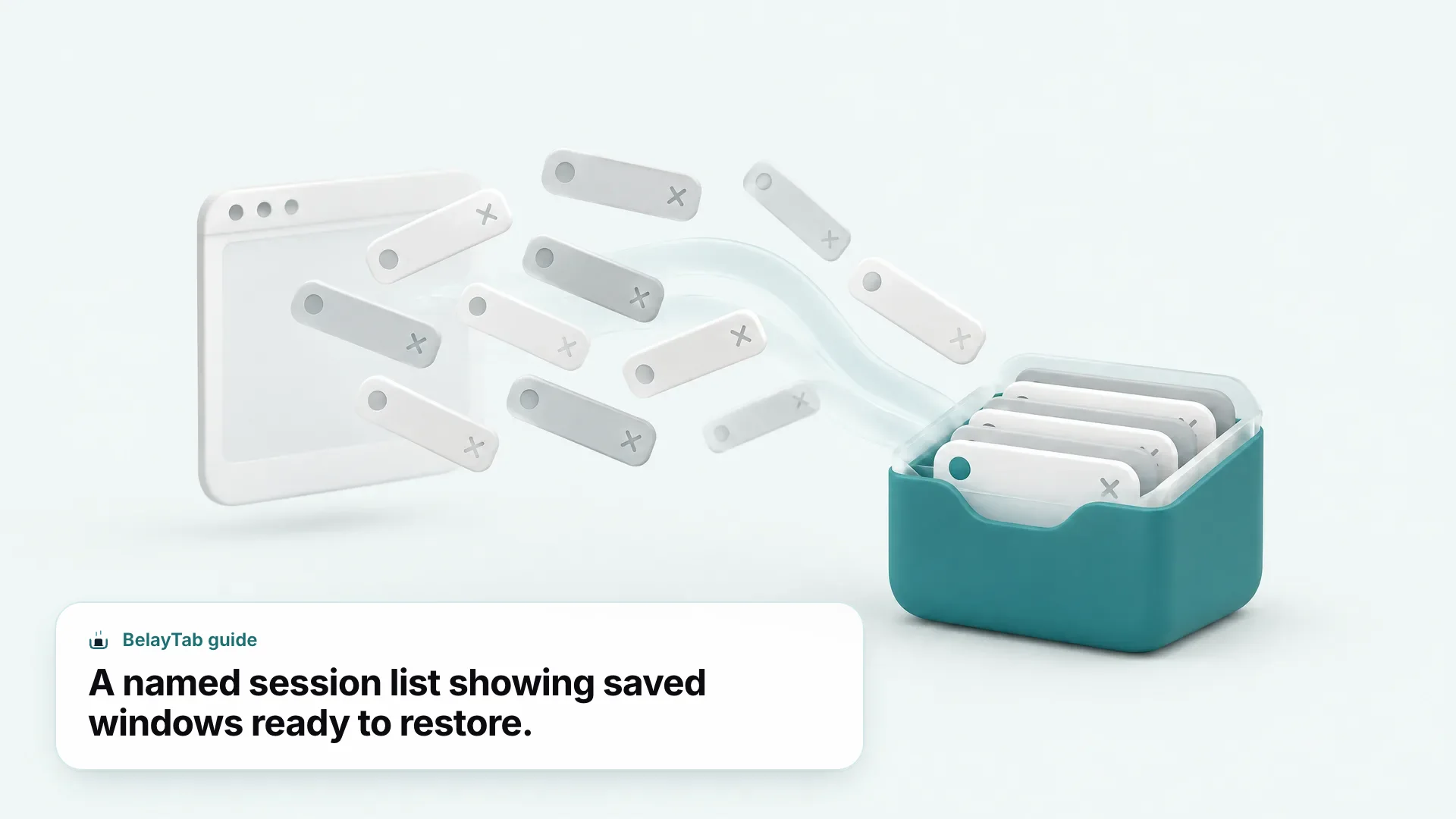
Every open window gets an automatic snapshot every 5 minutes and again whenever a window closes, so you’re covered even when you forget to save manually. The free plan keeps the last 20 versions of each session (restoring never overwrites a version, it just adds a new one) plus a 30-day trash for anything you delete, and one Recovery screen that pulls together your snapshots, deleted sessions, the browser’s own recently closed windows, and any export files.
- Open BelayTab. Click the toolbar icon, or press Ctrl + Shift + S (Cmd + Shift + S on Mac).
- Choose what to save. The current window, all windows, your selected tabs, or a single tab.
- Name it and decide about the tabs. Give the session a name you’ll recognize, and choose whether to keep the tabs open or close them.
- Restore it later from the Recovery screen. Bring it back into a new window, the current window, or as individual tabs; large sessions restore in batches of 20 so the browser doesn’t choke on 80 tabs at once.
Tab groups (names and colours), pinned tabs, and tab order are all kept when you save, and BelayTab backs up its own database before every update. It’s not a magic fix for everything, though: BelayTab can’t recover tabs from before it was installed, and it doesn’t fix a browser crash or freeze itself. It just makes sure the tabs survive one. See the Recovery screen and automatic snapshots help pages for the full mechanics, and Save Tabs and Restore Tabs for the feature pages.
How Does BelayTab Compare to OneTab?
OneTab is a fast, minimalist tool, and BelayTab is the more complete one if you want automatic saving and multi-browser coverage. OneTab is a free extension that turns every tab in a window into a text list with a single click, and you restore tabs from that list later, individually or all at once.
OneTab (version 2.21 on Chrome, last updated 21 September 2026) is available for Chrome, Edge, and Firefox; its Mac App Store Safari version is 1.87, last updated November 2024, and is missing folders, search, and sync entirely. Storage lives in the browser’s internal database on one computer unless you pay for the separate Backup & Sync subscription, whose price is shown only at checkout on OneTab’s own site.
The core difference is automation and structure. OneTab requires you to click it before it saves anything (there’s no background snapshot) and it doesn’t preserve tab groups, since it flattens everything into a plain list. BelayTab snapshots every 5 minutes and on window close without you doing anything, keeps tab groups and pinned tabs intact, and runs on five more browsers, including Safari on Mac. If you like OneTab’s speed for a quick one-window cleanup but want a safety net for everything else, BelayTab can import your existing OneTab list directly through import and export. For a full side-by-side, see our OneTab comparison.
How Does BelayTab Compare to Session Buddy and Tab Session Manager?
Session Buddy and Tab Session Manager are both solid, free session-saving tools, but each covers fewer browsers and saves less often by default than BelayTab. Session Buddy is a free Chrome extension that saves your open tabs as named collections, and since version 4 it also keeps an automatic History of them. It’s Chrome only (Edge and Firefox versions are listed on its own roadmap as planned, not shipped) and everything is stored locally in the browser’s IndexedDB. A cloud collections feature is announced for a future 4.2 release as an opt-in premium option, with no price published yet.
Tab Session Manager is free and open source (Mozilla Public License 2.0), and it runs on Firefox, Chrome, and Edge, with no Safari version. By default it auto-saves every 15 minutes, plus on window close and browser exit, and it keeps the latest 10 versions of each save type. Sync is optional, routed through your own Google Drive folder, and is labelled beta in its settings.
Chrome-only tools miss cross-browser moves. If you ever switch between Chrome and Firefox, or add a Safari machine to the mix, Session Buddy won’t follow you there. It’s Chrome only today, per its own roadmap.
Against both, BelayTab’s default automatic interval is tighter (every 5 minutes versus Tab Session Manager’s 15), its version history goes deeper (20 versions per session versus 10), and it reaches more browsers than either tool on its own. BelayTab can import directly from both Session Buddy and Tab Session Manager if you’re switching, so you don’t lose what you’ve already saved. Read the Session Buddy comparison or the Tab Session Manager comparison for line-by-line detail, and see how tab groups carry over on the tab groups feature page.
How Does BelayTab Compare to Workona and Toby?
Workona and Toby are cloud workspace tools built for project teams, not just tab-savers, and that shows up in both their price and their account requirement. Workona organizes tabs, documents, notes, and tasks into project “spaces,” and it requires an account from the first use — spaces are stored on Workona’s own cloud, on Google Cloud Firestore servers in the United States. Its free plan is capped at 5 spaces; Pro starts at $7 a month, and Team starts at $8 per user a month with a 3-user minimum. It runs on Chrome, Edge, and Firefox; Safari is listed as planned, not shipped.
Toby calls itself a “productivity hub” that organizes work into a Space per project, team, or idea, and its 2.0 rebuild added a redesigned dashboard, side-panel integration, drag-and-drop, a notes editor, colour-preserving tab grouping, and opt-in AI naming and sorting, syncing across your devices. Its confirmed browsers are Chrome, Firefox, and Microsoft Edge; Safari support isn’t mentioned on its own site, so don’t assume it. Toby’s free Starter tier caps out at 60 saved tabs; the paid Productivity tier runs $4.50 per member a month billed yearly ($54/yr) or $6 a month billed monthly, and Team is $8 per member a month yearly ($96/yr) or $10 a month monthly.
Both require an account by default. Workona and Toby ask you to sign up before you save your first tab, and your tabs live in their cloud from day one. If you want a free tool that works entirely on your computer until you choose to turn on sync, that’s a meaningful difference.
BelayTab’s free plan needs no account at all, and nothing leaves your computer unless you turn on the optional Sync plan, which is $4 a month or $36 a year with a 30-day refund — cheaper than either Workona’s or Toby’s entry-level paid tier. What you give up versus Workona or Toby is the shared docs-and-notes workspace; BelayTab is focused specifically on saving and restoring tabs, not project management. If your team genuinely needs shared notes and tasks alongside tabs, Workona or Toby earn their price. If you just want your tabs to survive, see BelayTab’s pricing and the Sync feature page, or read the full Workona comparison.
What About Niche Tab Managers Like Tabs Outliner and Partizion?
Beyond the well-known names, there’s a long tail of smaller, mostly Chrome-only tab tools worth knowing about if the mainstream options don’t fit. Tabs Outliner describes itself as a fusion of a tab manager, a session manager, and a tree-like organizer, letting you close and save windows and tabs in their original nested structure. Its Free Edition is described as “100% Free… No limits,” while a one-time $15 Pro Edition unlocks keyboard shortcuts, local backups, and Google Drive backups. It’s Chrome only, with no Firefox, Edge, or Safari version referenced anywhere on its listing or site.
Partizion bills itself as an auto-updating tab collection tool with cloud-synced sessions across browsers, though it’s Chrome only today. Its own pricing page states plainly that “Partizion isn’t free”: a 14-day trial leads into Starter and Pro plans, priced around $12 and $10 a month respectively at the time this was checked — treat those exact figures as unverified for the long term, since the live pricing page showed unfinished content alongside them.
| Tool | Price | Browsers | Notes |
|---|---|---|---|
| Tabs Outliner | Free; Pro $15 one-time | Chrome only | Tree-style nested tab/session organizer |
| Partizion | 14-day trial, then ~$12/mo or ~$10/mo | Chrome only | Cloud sync; pricing shown as unfinished on its own site |
| Tab Manager Plus | Free | Chrome only | Smart grouping, focus mode, duplicate closer |
| Tablerone | Free (donation-funded) | Chrome only | Close all tabs without losing them; no accounts |
| Simple Window Saver Restored | Free | Chrome only | Successor to a delisted extension; no tab groups or Incognito support |
Tablerone is worth a mention specifically because it’s free with no accounts and funded by optional donations rather than a paid tier. Tab Manager Plus (the listing with id pdimbjllbpmcpojgiaccdhpmbeggadmm — other extensions reuse the name) adds smart grouping, session snapshots, a focus mode, search, and a duplicate closer, also free and Chrome only. And if you remember the original “Simple Window Saver,” it’s delisted from the Chrome Web Store as of this writing; a community successor called “Simple Window Saver Restored” is live and free, but its own description flags that it doesn’t support tab groups or Incognito. That’s a similar story to what happened with the Great Suspender years back — see our Great Suspender recovery guide if that history sounds familiar. For the full lineup of alternatives side by side, our tab manager comparison hub covers all of them.
How Do You Close All Tabs Without Losing Them?
Close the window with your browser’s shortcut after saving a session first. That order matters, because closing before saving is how tabs get lost in the first place. Every desktop browser has a fast way to shut a whole window, and pairing it with a saved session (from BelayTab or your browser’s own history) means closing tabs is never a risk.
- Save a session first. Use BelayTab (Ctrl + Shift + S, or Cmd + Shift + S on Mac) or trust your browser’s own recently-closed history for a quick, short-term close.
- Close the window. Use your browser’s close-window shortcut below.
- Reopen when you need it. Pull it back from BelayTab’s Recovery screen, or your browser’s history if it’s been less than a session or two.
On Chrome, close the current window with Ctrl + Shift + W or Alt + F4 on Windows and Linux, or Cmd + Shift + W on Mac. Edge uses the same combination, Ctrl + Shift + W or Cmd + Shift + W. Firefox also closes the window with Ctrl + Shift + W or Alt + F4 on Windows and Linux, and Cmd + Shift + W on Mac; its tab right-click menu also has a “Close Multiple Tabs” option with Close Tabs to Right, Close Tabs to Left, and Close Other Tabs.
Safari on Mac handles it a little differently: Option-click the tab you want to keep open to close every other tab, or Control-click the tab you want to keep and choose Close Other Tabs. At the macOS level, Cmd + W closes the front window, and Option + Cmd + W closes every window in the app. Whichever browser you’re on, remember Chrome’s built-in reopen shortcut as a safety net for the last window you closed: Ctrl + Shift + T on Windows and Linux, Cmd + Shift + T on Mac. Our close tabs shortcut guide and how to reopen closed tabs cover every browser and OS combination in one place if you want the exhaustive version.
Which Tab Manager Should You Actually Install?
Install BelayTab if you want free, automatic tab saving that works across almost every browser without an account. That covers most people reading this. It’s the one I’d start with: no signup screen, no paid wall on the features that matter most (unlimited sessions, automatic snapshots, version history), and it runs the same way whether you’re on Chrome, Firefox, Brave, Vivaldi, Arc, Opera, Edge, or Safari on Mac.
A few situations call for something else. If you only ever need to tidy one window before shutting your laptop and don’t care about automatic saving, OneTab’s one-click list is faster for that single task. If your team already lives inside shared project spaces with docs and tasks alongside tabs, Workona or Toby’s higher price buys you that extra structure. If you’re a committed Chrome user who wants a nested, tree-style view of your entire tab history, Tabs Outliner’s one-time $15 is worth a look. And if you specifically want a free, donation-funded tool with zero account, Tablerone fills that niche on Chrome.
For everyone else — anyone who’s lost a window to a crash, an accidental quit, or just too many tabs piling up over a busy week — an automatic session manager is the fix that doesn’t depend on remembering to click save.
Ready to try it. Download BelayTab for your browser and check the Recovery screen after five minutes — the first snapshot will already be waiting for you.
Sources referenced above: Microsoft’s sleeping tabs support page, Mozilla’s unload tabs guide, Google’s guide to reopening closed tabs, and Apple’s Safari tab groups guide.